
Traveling by air often means bringing along a variety of electronic gadgets smartphones, tablets, laptops, cameras, chargers, and sometimes even drones. These devices are essential for communication, entertainment, and productivity, but they are also delicate and valuable.
Improper packing can lead to damage, data loss, or inconvenience at airport security.
To make your journey smoother and safer, here’s a complete guide on how to pack gadgets for air travel how to pack gadgets.

1. Make a Packing Plan
Before you start packing, take inventory of the gadgets you plan to bring. Ask yourself which items are truly necessary for your trip. For instance, you might not need both a tablet and a laptop if one can handle all your tasks.
Pro Tip:
Make a checklist including:
Laptop or tablet
Smartphone and accessories
Chargers and cables
Power bank
Camera and lenses
Headphones or earbuds
Adapters and converters
This list will help you avoid forgetting essentials or bringing unnecessary devices.
2. Know the Airline and Security Rules
Airlines and airport security agencies (like the TSA or your country’s equivalent) have strict guidelines on carrying electronics, especially batteries.
Key rules to remember:
Keep lithium batteries in carry-on luggage, not checked baggage.
Remove laptops and tablets from bags during security screening unless you have TSA PreCheck or use an electronics-friendly travel bag.
Power banks are also limited to certain watt-hour ratings (usually under 100Wh).
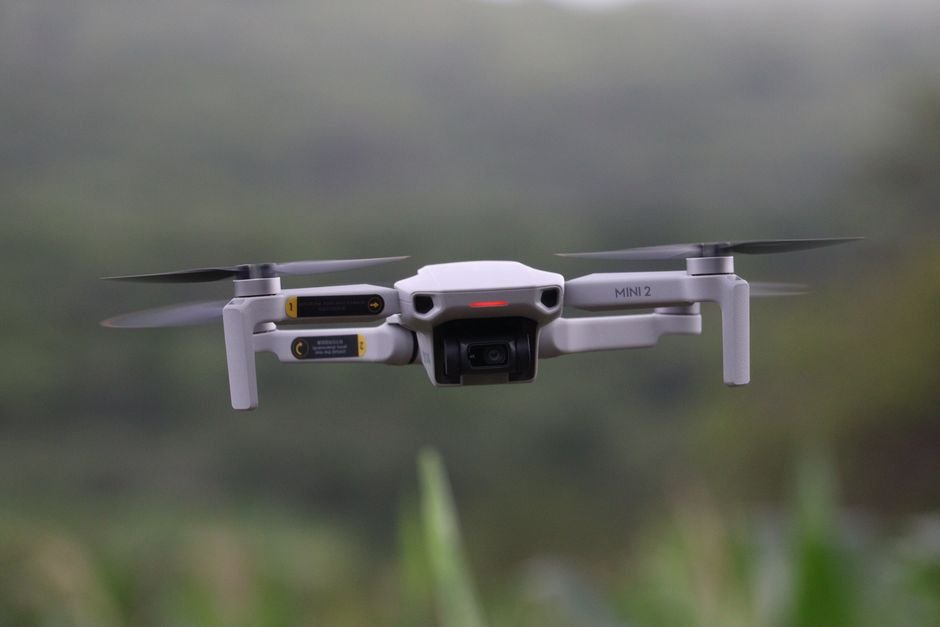
Drones and cameras with removable batteries must also comply with lithium battery regulations.
Always check your airline’s website for updated policies before your flight.
3. Use the Right Bags and Cases
Choosing the right bag can make all the difference in protecting your gadgets.
Laptop Backpack or Tech Organizer: Choose one with padded compartments for shock absorption.
Cable Organizer: Use a travel tech pouch to store charging cables, adapters, and small accessories neatly.
Hard-shell Cases: For fragile gear like cameras or drones, use a hard-shell or foam-lined case for maximum protection.
Water-Resistant Material: Look for bags made of water-resistant fabric to protect against spills or rain.
4. Protect Each Device Individually
Each gadget should be packed securely to avoid scratches or breakage.
Best practices:
Wrap laptops and tablets in a soft sleeve or microfiber cloth.
Use screen protectors for phones and tablets.
Store small items (like SD cards or USB drives) in labeled cases or zip bags.
For cameras, remove detachable lenses and cap them securely.
If you’re packing multiple items, add foam dividers or bubble wrap between devices to prevent direct contact.
5. Manage Your Cables and Chargers Smartly
Nothing’s more frustrating than tangled cords at airport security.
To stay organized:
Wind cables neatly with Velcro straps or rubber bands.
Label each charger to match the device it belongs to.
Consider a universal adapter if traveling internationally.
Bring a multi-port USB charger to minimize the number of outlets you’ll need.
6. Keep Essentials in Your Carry-On
Never check valuable electronics in your luggage. Always carry gadgets like laptops, cameras, and tablets in your carry-on bag.
Also include:
Chargers and power banks
Headphones
Travel documents (digitally backed up)
Backup storage drives
This ensures your most important gear stays with you and avoids rough handling in the cargo hold.
7. Back Up Your Data Before You Travel
Even with careful packing, accidents can happen. Devices can be lost, stolen, or damaged.
Before you leave:
Back up all your important files to the cloud or an external hard drive.
Enable Find My Device or similar tracking features.
Use password protection and encryption for sensitive data.
That way, your information stays safe even if your device doesn’t.
8. Prepare for Security and In-Flight Use
To make security checks hassle-free:
Place your electronics where they’re easy to remove.
Keep your cables tidy to avoid confusion.
Charge all your devices before flying some airlines require electronics to be powered on for inspection.
During the flight, store your devices under the seat in front of you, and use airplane mode to save battery and comply with airline rules.
9. Handle Arrival Carefully
After landing, inspect your gadgets before leaving the airport. Check for any visible damage or missing items. If you used a hard-shell case for fragile gear, open it carefully to ensure nothing shifted during transit.
Protecting Your Devices
To safeguard your gadgets against damage, invest in padded cases or sleeves. These solutions should fit snugly to prevent movement during transport. For example, a durable neoprene sleeve can shield a tablet from scratches and impacts.
Consider using a hard-shell case for laptops. This provides more substantial protection against drops and pressure. Many brands feature compartments for chargers, cables, and accessories. This keeps everything organized while safeguarding your equipment.
Packing Techniques to Save Space
Efficient packing minimizes the space your gadgets occupy. Start by coiling cables neatly. Use cable ties or velcro straps to keep them from tangling. Place small chargers or USB drives in your shoes. This method not only saves space but also keeps items secure.
Another useful trick is to use soft items, like clothes, to pad fragile devices. Wrap your phone or tablet in a shirt and place it in the center of your bag. This plush layer acts as a barrier against impact or pressure from other items.
Use packing cubes to organize smaller gadgets. By segmenting items, you can find what you need quickly without rummaging through your bag. This method also makes security checks easier, saving you time in lines.
Conclusion
Packing gadgets for air travel doesn’t have to be stressful. With the right planning, protective gear, and organization, you can keep your electronics safe, accessible, and ready to use throughout your journey. Prioritize essentials, follow airline regulations, and use smart storage methods your gadgets will thank you when you land.